


Discover startups, services, products and more from our partner StackCommerce. New York Post edits this content, and may be compensated and/or receive an affiliate commission if you buy through our links.
Everyone loses time during the workday, even if it’s not obvious at first. It’s the small things that add up, like slow devices, scattered workflows, too many tabs, or switching between tools that don’t work well together.
Think of the decision tree below as a quick quiz to help you figure out where things are slowing you down and which tool can actually fix it. Whether you need a cleaner workflow, a simpler setup, or smarter ways to use AI, this is an easy place to start.
These simple upgrades are designed to help you streamline your system, stay organized, and make your everyday life a little easier.

Upgrade your PC with Windows 11 Pro
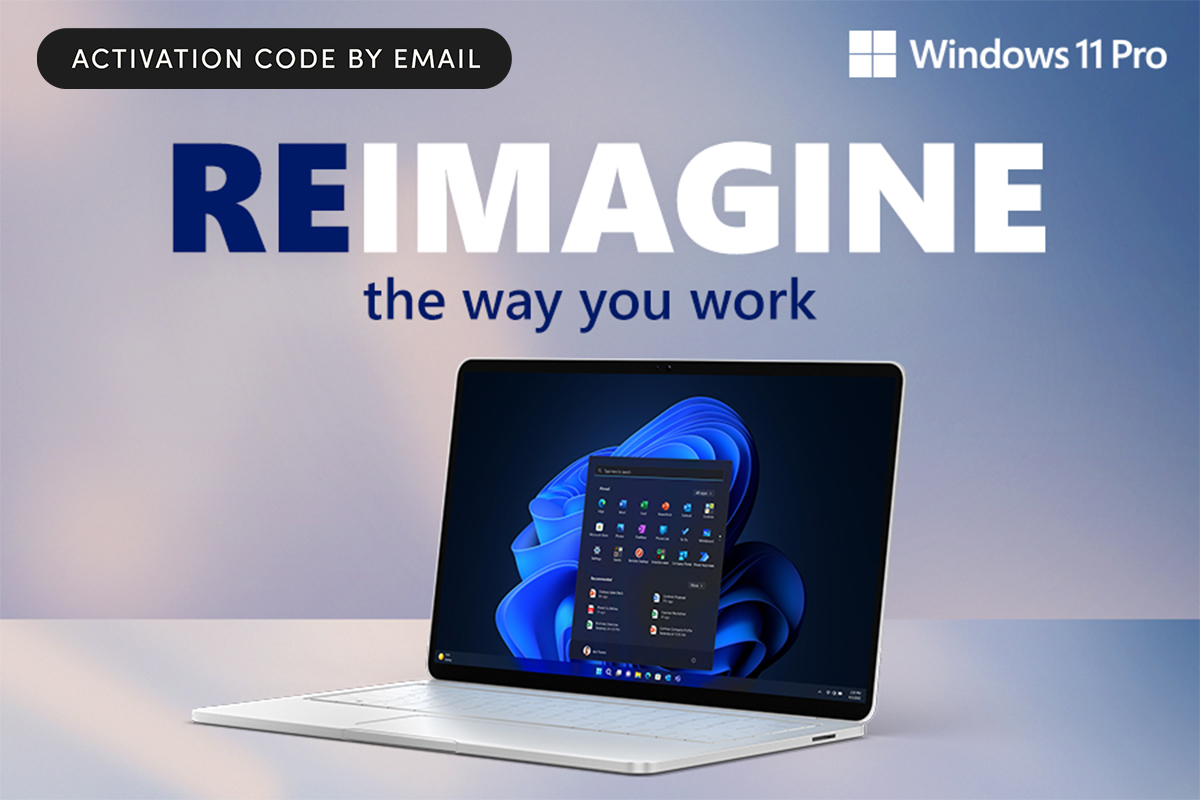
Windows 11 Pro is Microsoft’s latest operating system, built for users who want better performance, stronger security, and more control. Older versions aren’t getting the same level of support, so upgrading can help keep your device running smoothly. Features like Snap Layouts, Remote Desktop, and built-in tools like Copilot help simplify multitasking and everyday workflows.
Unlock hidden Mac features with MacPilot
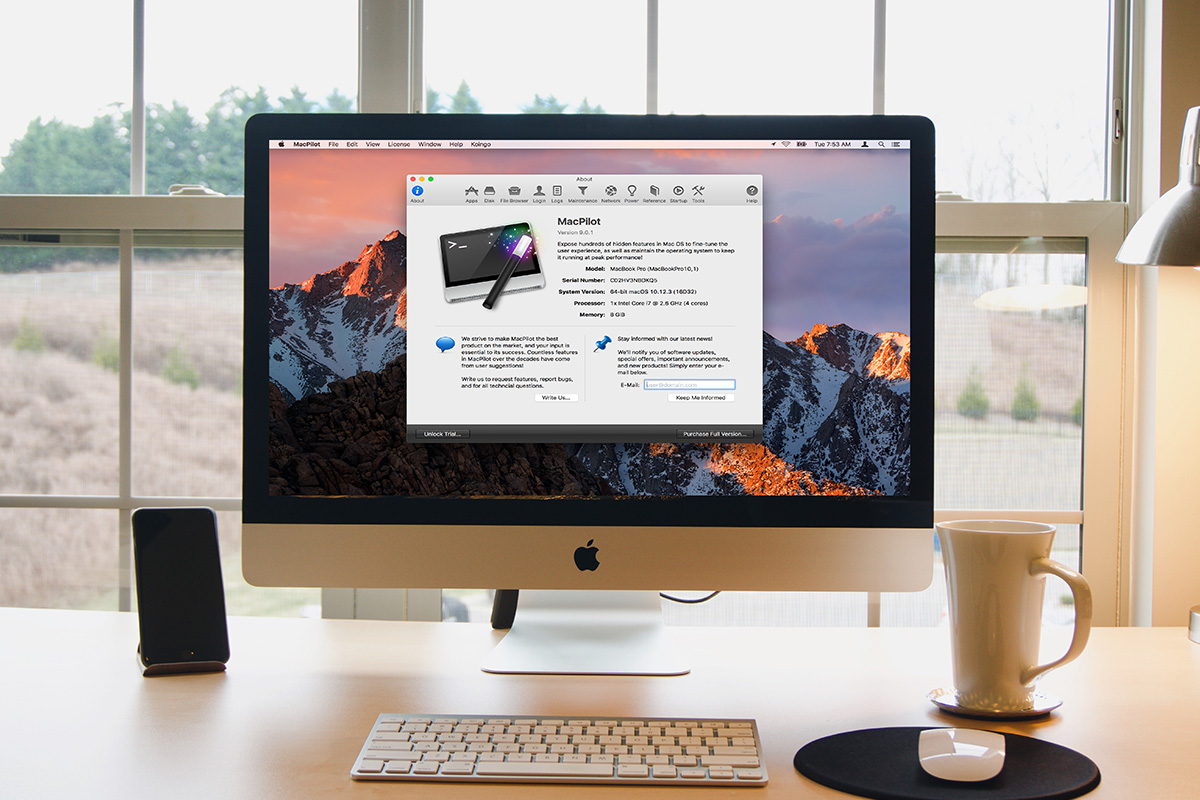
MacPilot gives you access to hundreds of macOS settings that are usually buried behind Terminal commands. You can adjust system behavior, customize your Dock, and run maintenance tasks without digging through files or code. It’s especially useful if you like tweaking your setup to feel more personalized and efficient. Think of it as unlocking the version of your Mac Apple doesn’t show you by default.
Add a layer of protection with Norton AntiVirus

Norton AntiVirus Plus helps defend against malware, phishing, and ransomware. It also includes a firewall, password manager, and cloud backup, making it useful if you store important files or personal data on your device. Everything runs quietly in the background without slowing you down. It’s one of those things you don’t think about until you really need it.
Break your scrolling habit with Zario
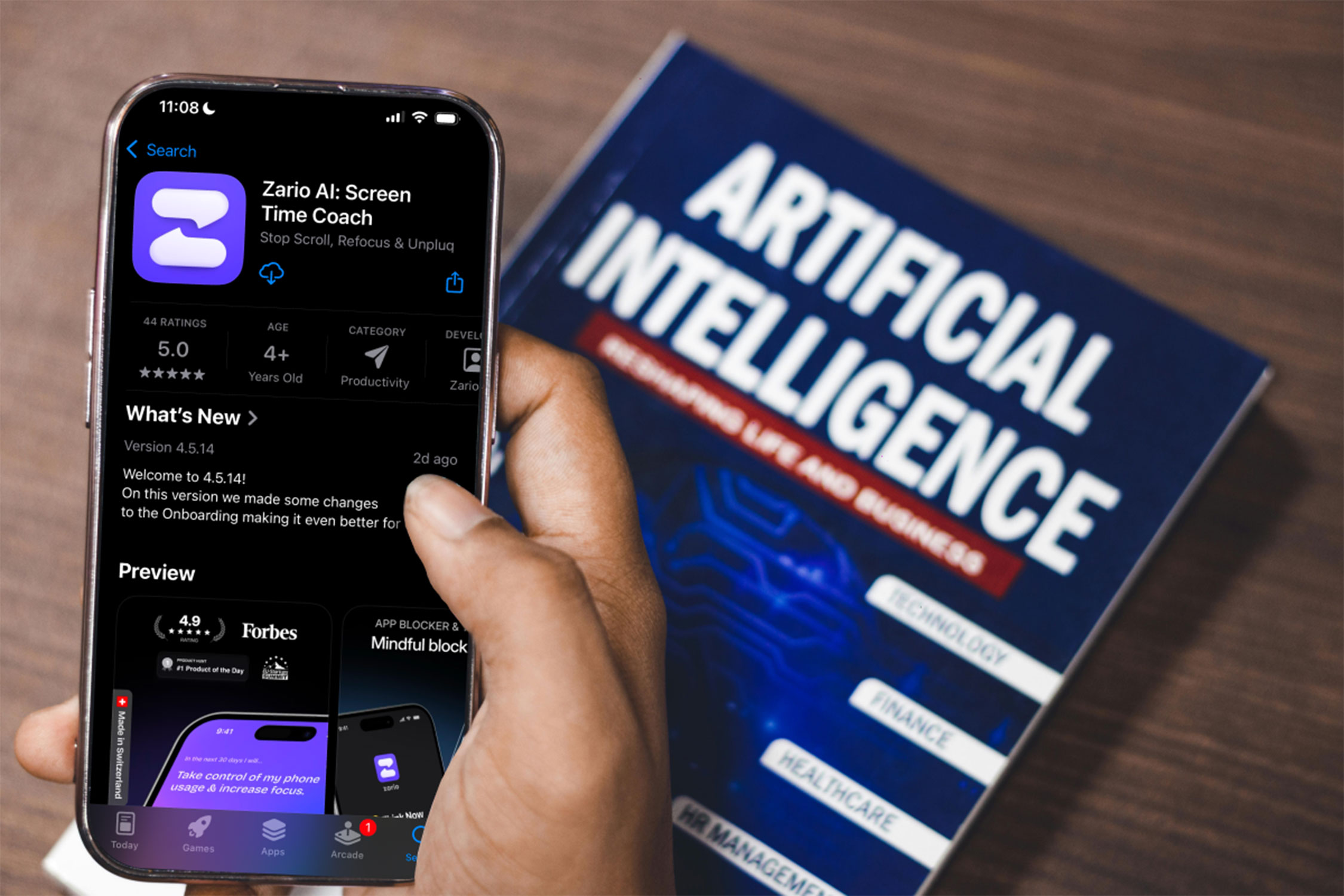
Zario is an AI-powered screen time app designed to help you cut back on distractions without completely locking down your phone. You can set app limits, create focus schedules, and track usage to better understand where your time goes. With features like quick blocks, session timers, and customizable restrictions, it helps you stay productive while building healthier digital habits—all for a one-time $19.99 (reg. $299).
Simplify workflows with Microsoft Visio
Visio helps turn complex ideas into clean diagrams, whether you’re mapping out a process, building a flowchart, or organizing a system. It’s designed to make information easier to understand and share. You can also connect it to real data, which makes updates way less manual. It’s a go-to for turning a thousand words into a single image.
Turn notes into tasks with imdone
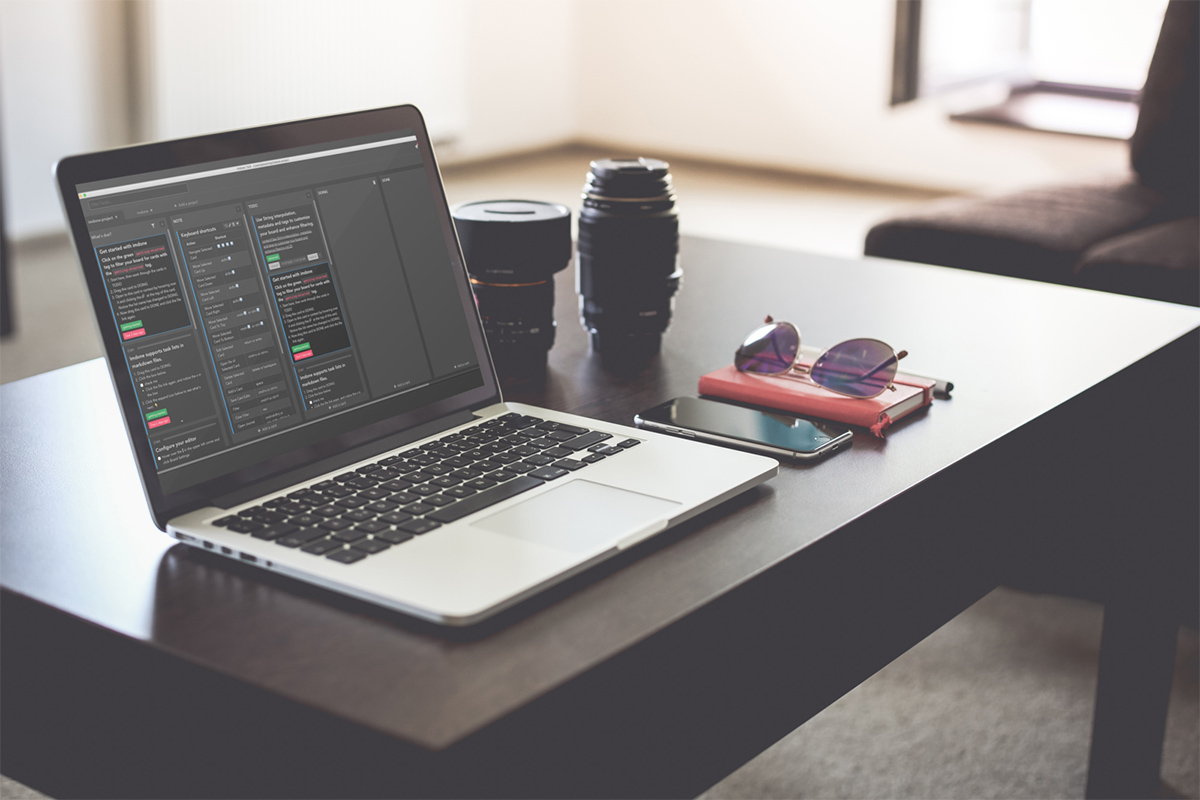
imdone automatically converts tasks written in notes or code into a Kanban board. Instead of managing separate tools, your to-do list stays tied directly to the work you’re already doing. That means less switching between apps and fewer things slipping through the cracks. It’s a simple way to stay organized without overthinking your system.
Capture and summarize meetings with My Notes AI
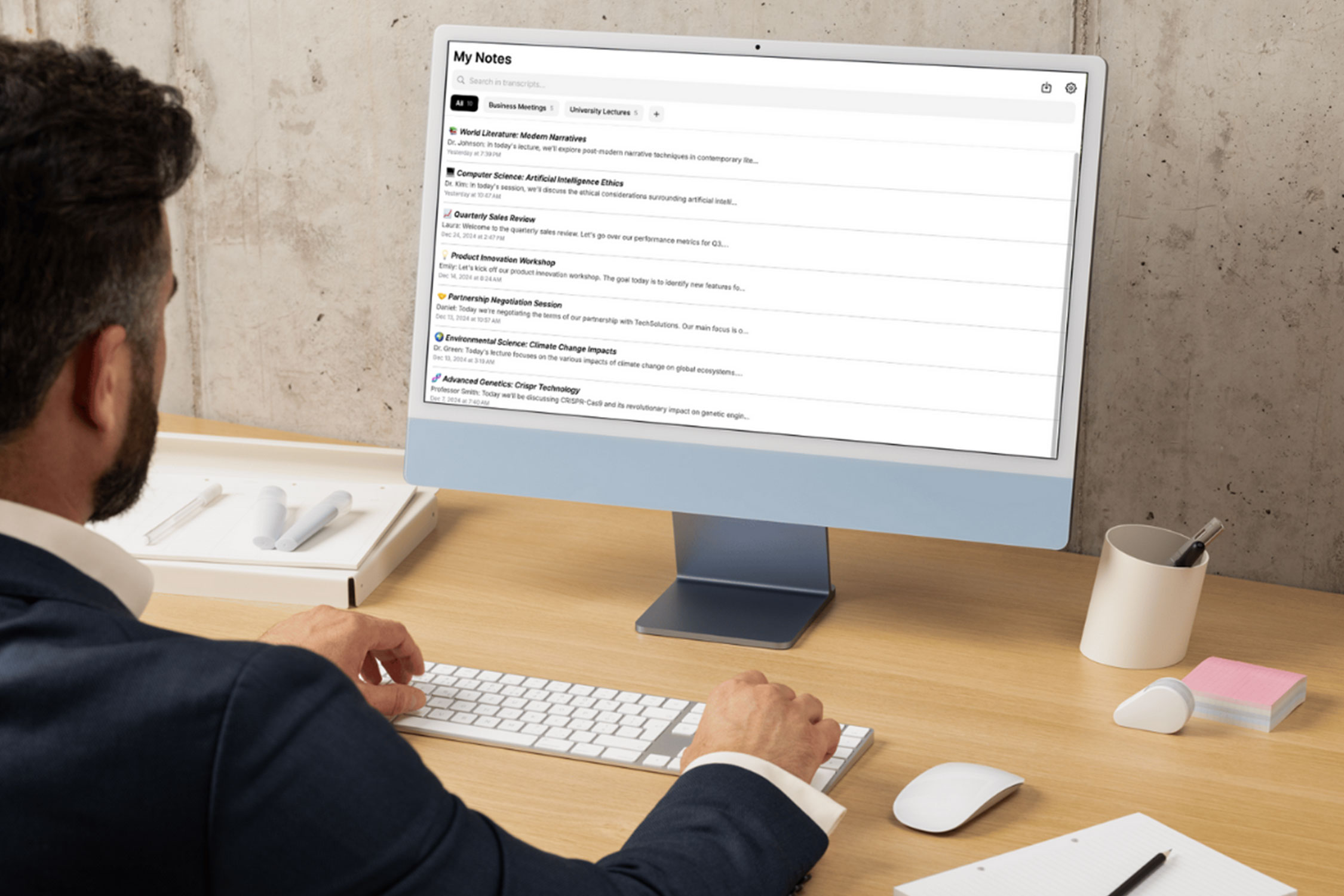
My Notes AI records conversations, transcribes them, and summarizes the key points. It’s useful for meetings, lectures, or brainstorming sessions where you want to stay focused instead of taking notes. You can go back and review everything without worrying about missing details. It basically turns long conversations into quick, usable takeaways.
Use multiple AI tools with ChatPlayground AI

ChatPlayground AI lets you run prompts across several AI models at once and compare the results side by side. Instead of switching tabs, you can write, research, and generate content from a single interface. It’s especially helpful if you rely on AI regularly and want better outputs faster. You get more control over your results without slowing down your workflow.
Record and edit content with AWZ Screen Recorder
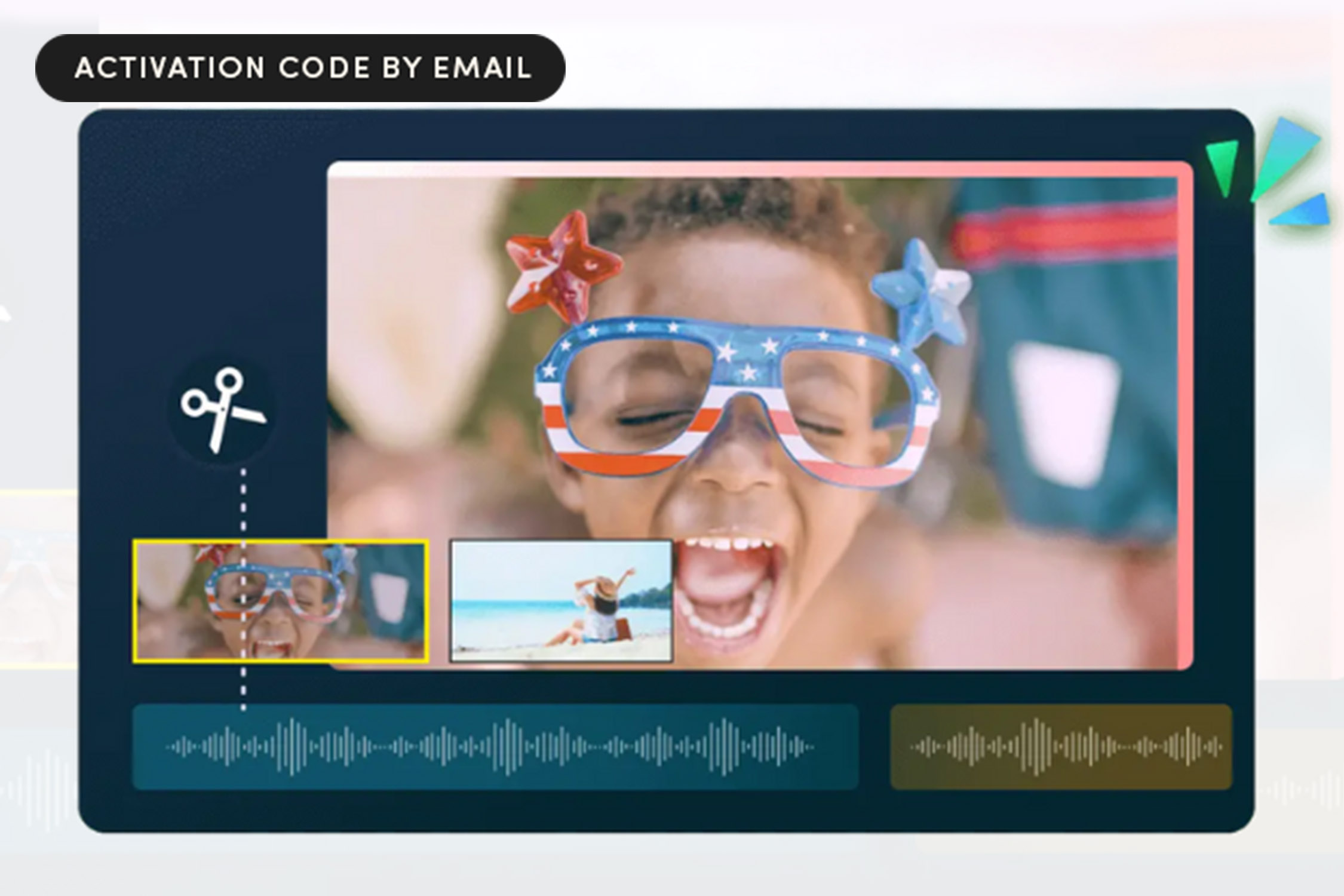
AWZ Screen Recorder combines screen recording, webcam capture, and editing tools into one app. It’s useful for creating tutorials, presentations, or quick recordings without downloading extra software. If you find yourself making how-tos or needing to edit something on the fly, it keeps everything in one place so you can move faster. Everything is built to be simple enough to use right away.
Small changes like these can help you save time, stay organized, and get more out of your day.
